Credits
Understand how credits work and allocate them to your trainers.
How Credits Work
Credits are your organization's currency for managing trainer access:
- •Organization Pool: Your org has a central credit pool
- •Trainer Allocation: You can allocate credits from the pool to individual trainers
- •Unlimited Mode: Some orgs have unlimited credits (shown as ∞)
Credit Flow
Organization Pool
Central credit balance
Trainers
Allocated credits
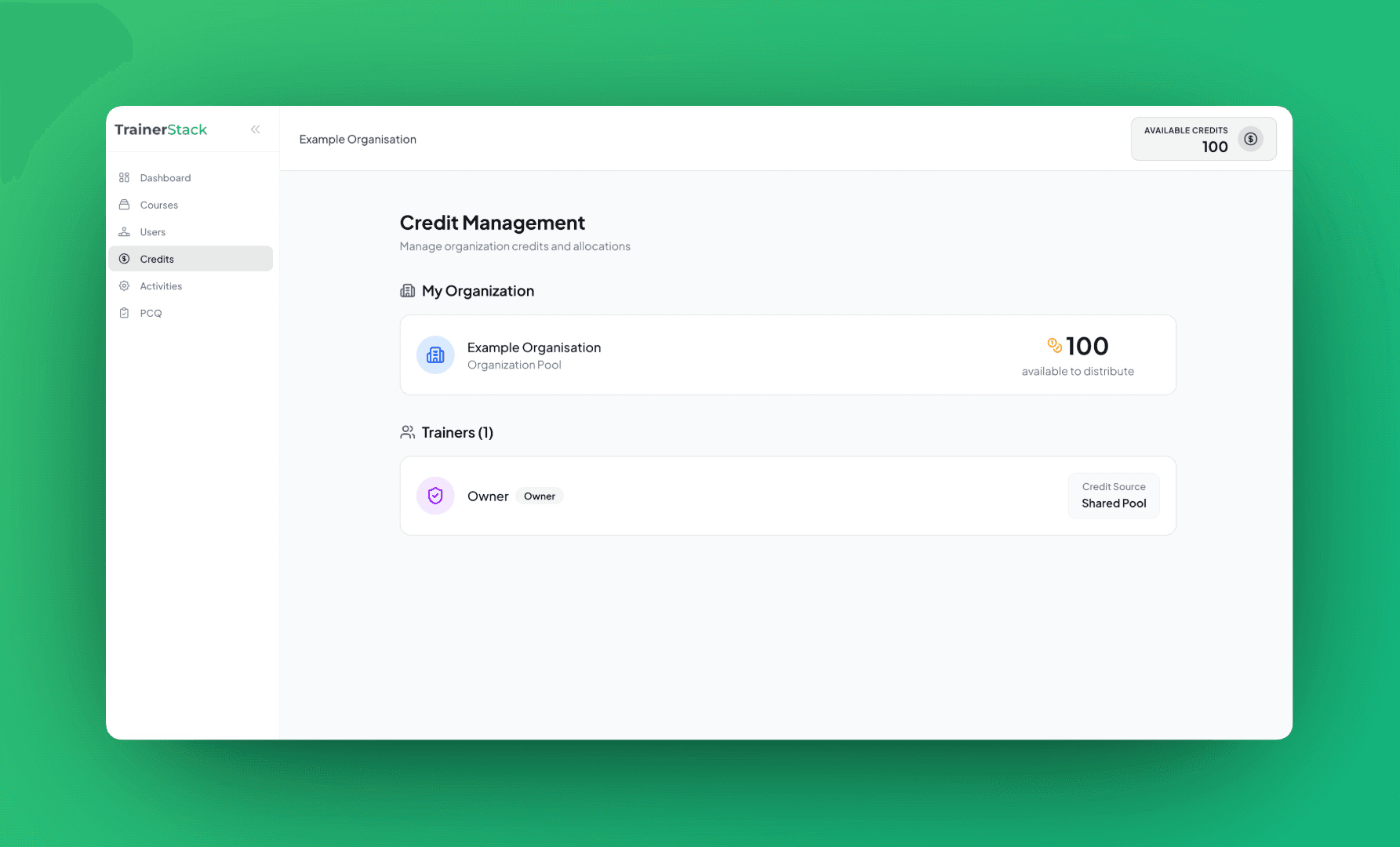
Credits Page
Go to Credits in the sidebar to see:
My Organization
Shows your org name and total available credits to distribute
Trainers List
Shows each trainer with their current credit balance and allocation controls
Allocating Credits to Trainers
To give credits to a trainer:
Go to Credits Page
Click Credits in the sidebar
Find the Trainer
Locate the trainer in the list
Enter Amount
Type the number of credits to transfer
Click Allocate
Credits transfer from org pool to trainer
Note: Credits move from your org pool to the trainer. Plan allocations based on trainer needs.
Shared Pool Access
Some users access credits directly from the organization pool:
Org Owners
Always use the shared pool (no allocation needed)
Org Members
Also use the shared pool directly
Trainers
Use their allocated credits (you must allocate)
💡 Tips
- •Start Small: Allocate 10-20 credits initially, add more as needed.
- •Track Usage: Check trainer balances regularly to see consumption.
- •Plan Ahead: Allocate credits before trainers need them for sessions.