Templates
Create Activity and PCQ templates that your trainers can use.
Template Types
Activity Templates
Interactive activities like multiple choice, word cloud, rating, ranking, etc.
Sidebar: Activities
PCQ Templates
Pre-Course Questionnaires to assess trainee knowledge before sessions.
Sidebar: PCQ
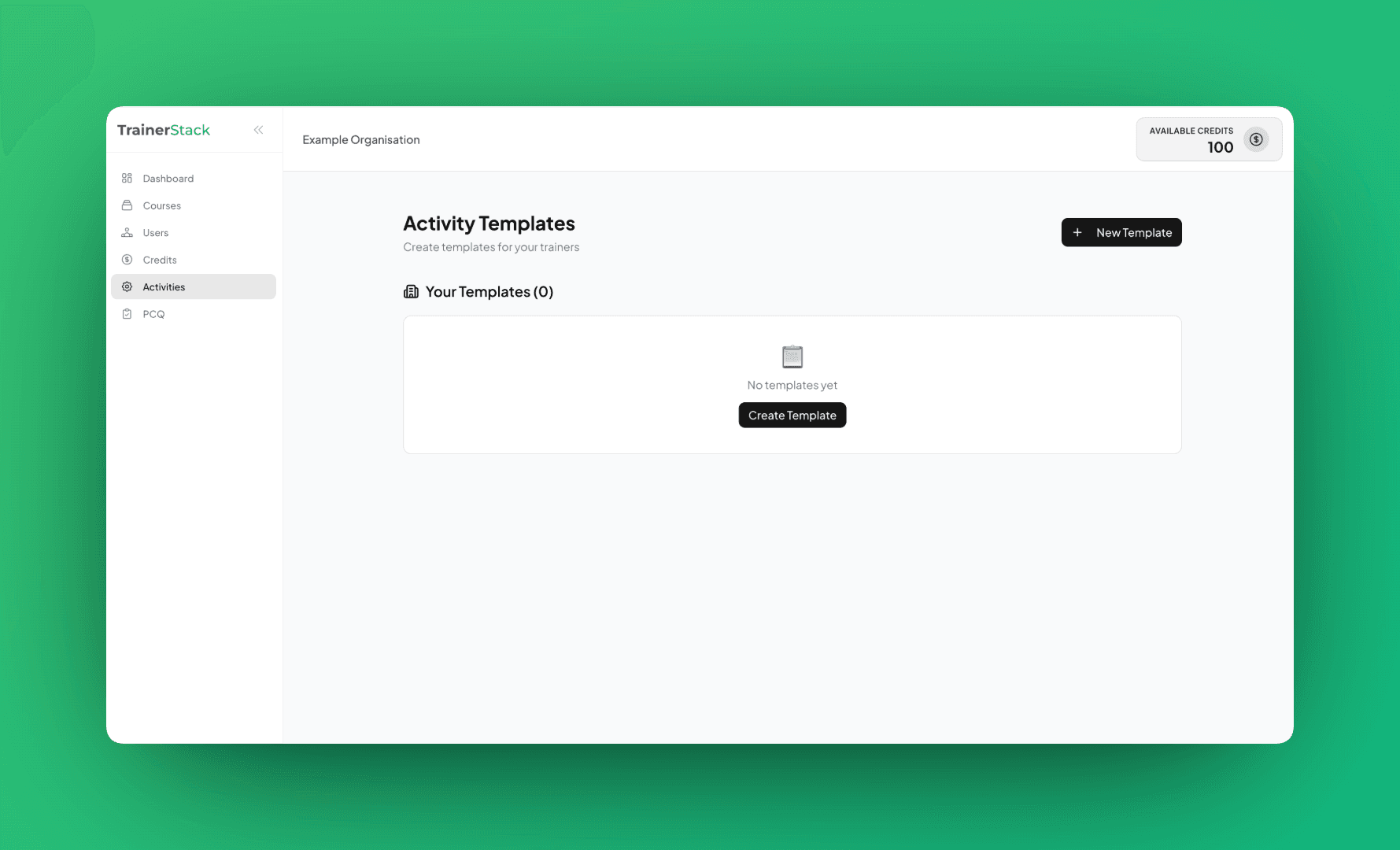
Activity Templates
Go to Activities in the sidebar to manage activity templates.
Activity Types
Creating an Activity Template
Click "New Template"
Opens the template creation form
Fill in Details
Title, question type, options, and emoji
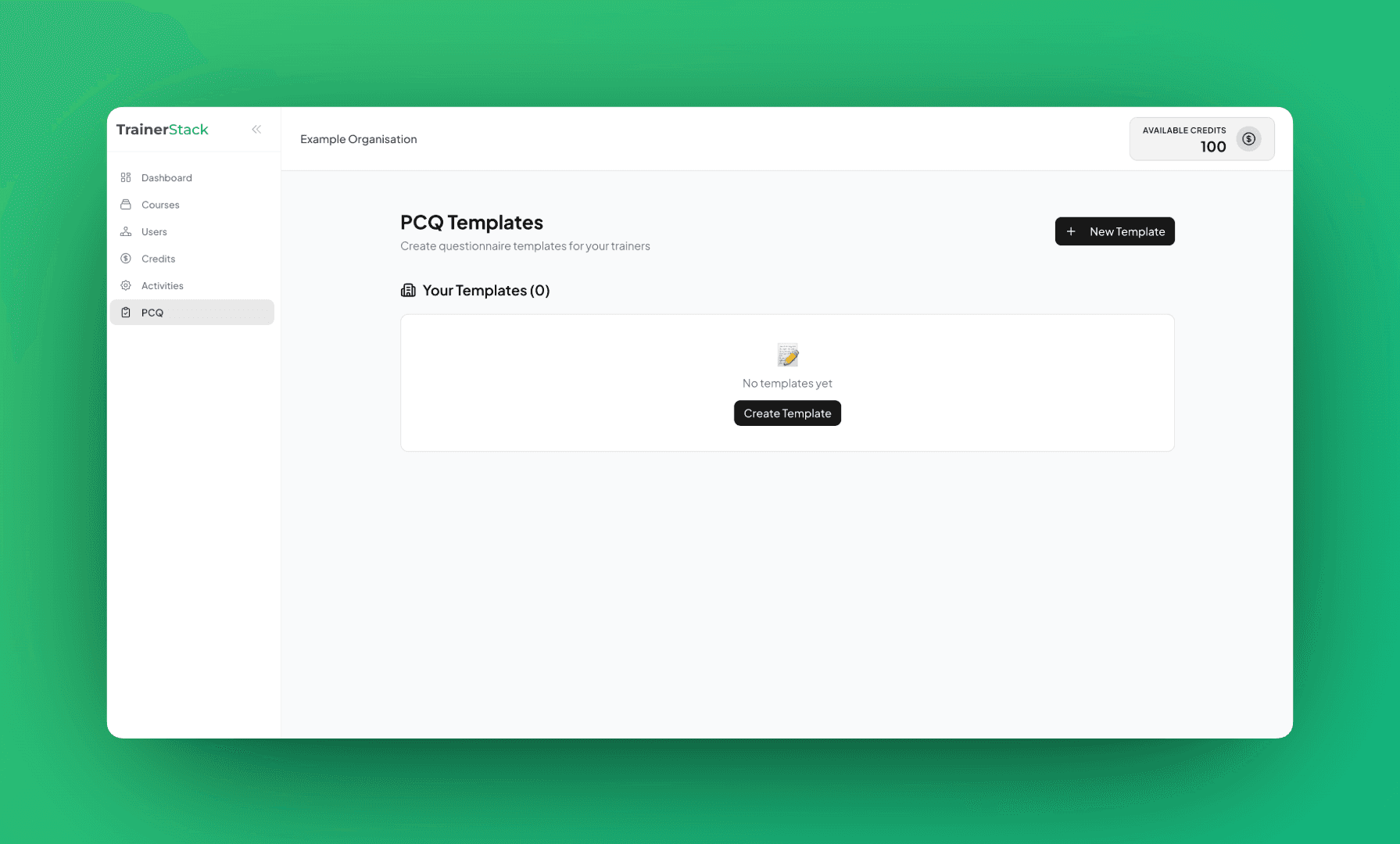
PCQ Templates
Go to PCQ in the sidebar to manage questionnaire templates.
PCQ Field Types
Creating a PCQ Template
Click "New Template"
Opens the PCQ creation form
Add Fields
Title, description, and question fields
Admin Templates
Platform Admin Templates
You'll also see templates shared by the TrainerStack platform admin. These appear in a separate "Admin Templates" section and can be used by your trainers alongside your organization's templates.
How Trainers Use Templates
When trainers create activities or attach PCQs, they'll see your org templates:
- •Templates appear with your org's branding
- •Trainers can use templates as-is or customize them
- •Saves time and ensures consistency across trainers
Managing Templates
Edit
Click the edit icon to modify a template
Delete
Click the trash icon to remove a template
💡 Tips
- •Standardize: Create templates for common training scenarios to ensure consistency.
- •Name Clearly: Use descriptive titles so trainers can easily find the right template.
- •Reuse: Templates can be used across multiple sessions and trainers.