Analytics & Reports
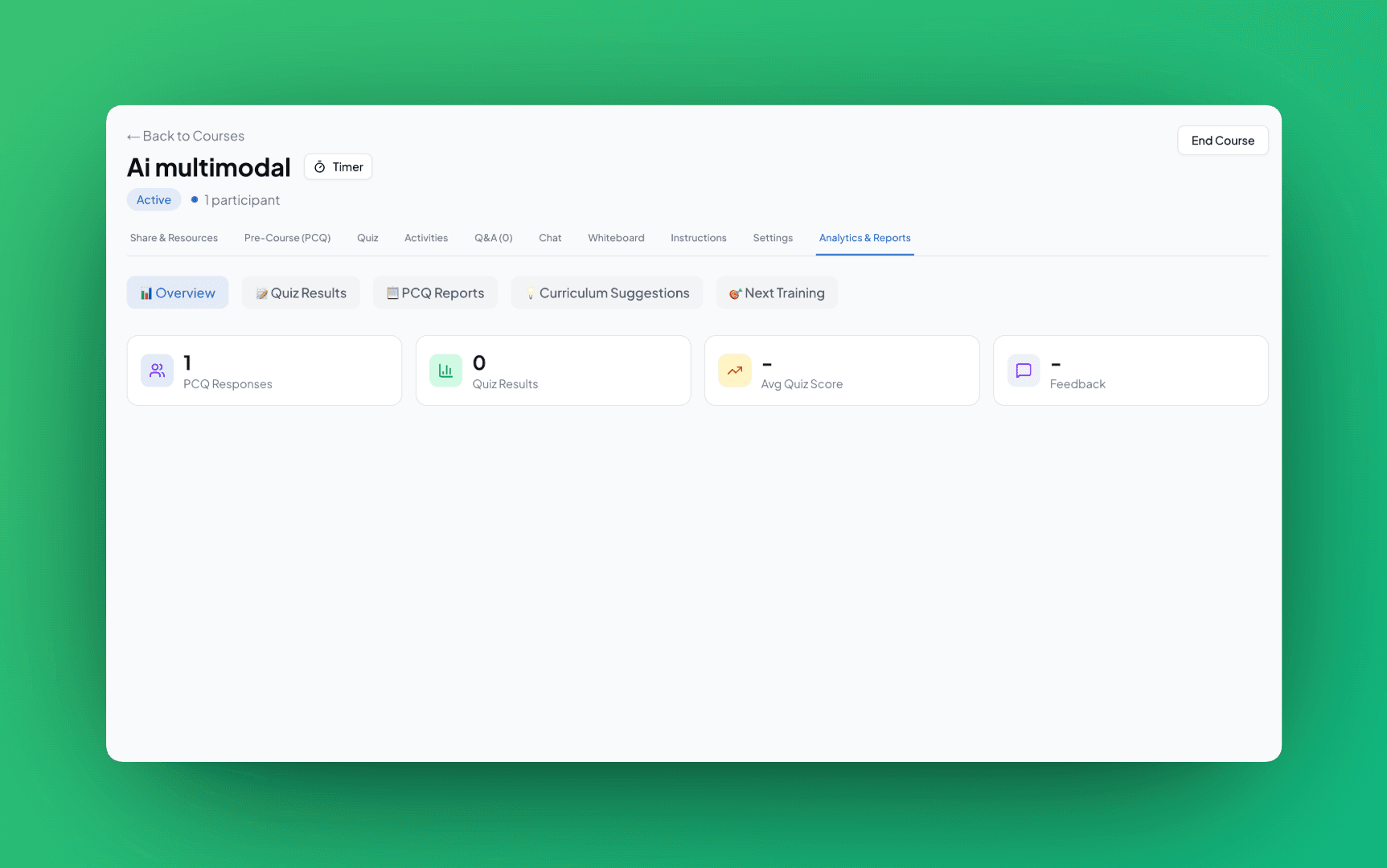
View insights from your training sessions. Access PCQ reports, quiz results, curriculum suggestions, and next training recommendations.
Analytics Tabs
Open Post-course → Analytics in your course. You'll see these sub-tabs:
📊 Overview
Progress report and overall session summary
📝 Quiz Results
Detailed quiz scores and question breakdown
📋 PCQ Reports
Pre-course questionnaire responses
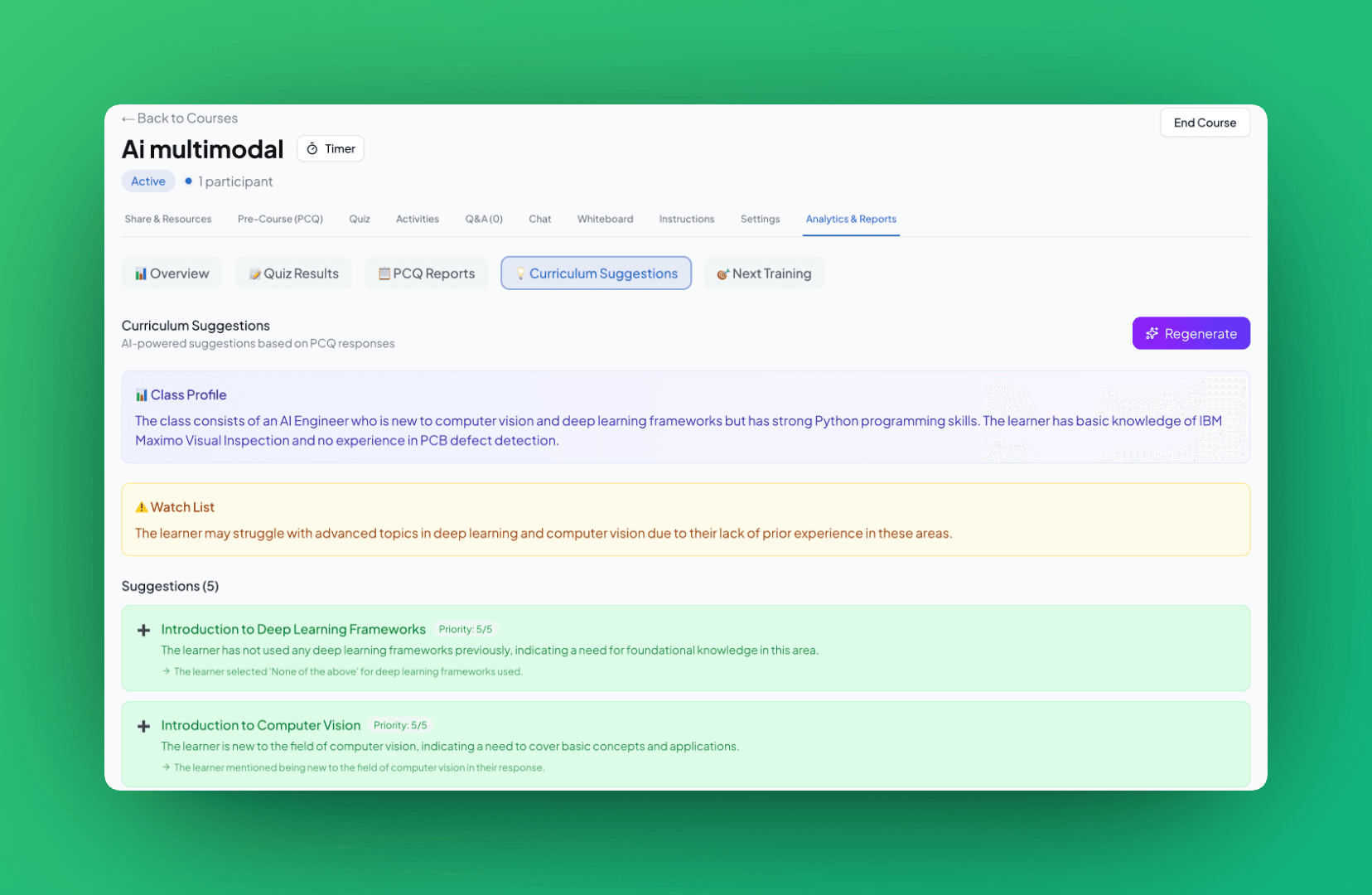
💡 Curriculum Suggestions
AI-powered curriculum improvements
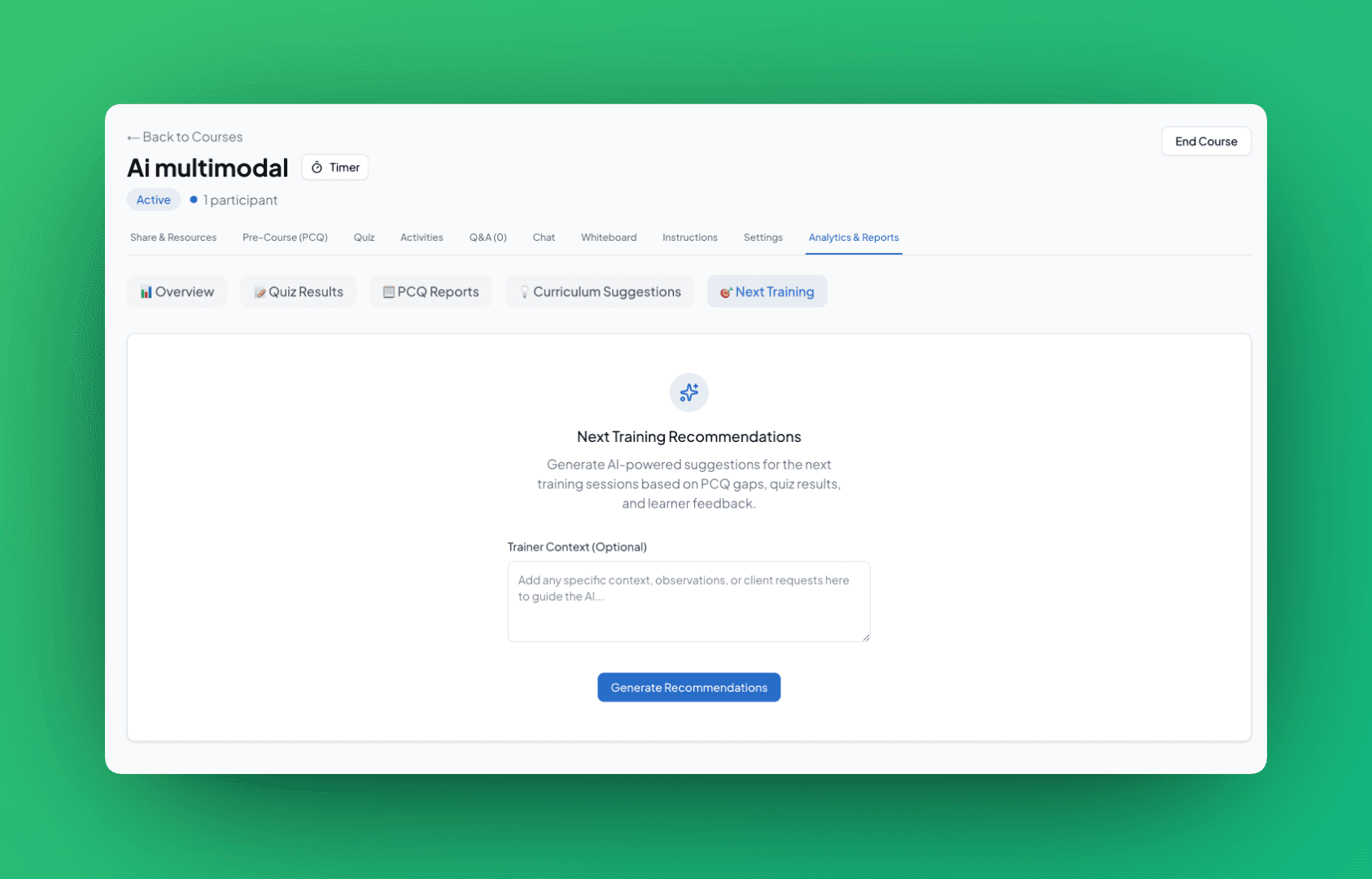
🎯 Next Training
AI suggestions for follow-up sessions
PCQ Reports
If you attached a Pre-Course Questionnaire, this tab shows trainee responses:
- •Response overview: How many trainees completed the PCQ
- •Question breakdown: Responses for each question
- •Knowledge gaps: Areas where trainees scored lower
Curriculum Suggestions
AI analyzes PCQ and quiz results to suggest curriculum improvements:
- •Topic focus: Which topics need more depth
- •Content gaps: Missing topics based on trainee questions
- •Time allocation: Recommended time per topic
Next Training Recommendations
AI suggests follow-up training based on session performance:
🎯 Follow-up Topics
Topics that need reinforcement based on quiz scores
📚 Additional Resources
Materials to share with trainees after the session
📅 Next Session Focus
Recommendations for your next training with this group
💡 Tips
- •Review PCQ before starting: Adjust your session based on trainee knowledge
- •Check quiz results after: See which topics need more explanation
- •Use AI suggestions: Continuously improve your training content