Team Management
Onboard trainers, manage team access, and reset passwords.
Users Page
Go to Users in the sidebar to manage your team.
Here you can see all trainers in your organization with their name, role, and status.
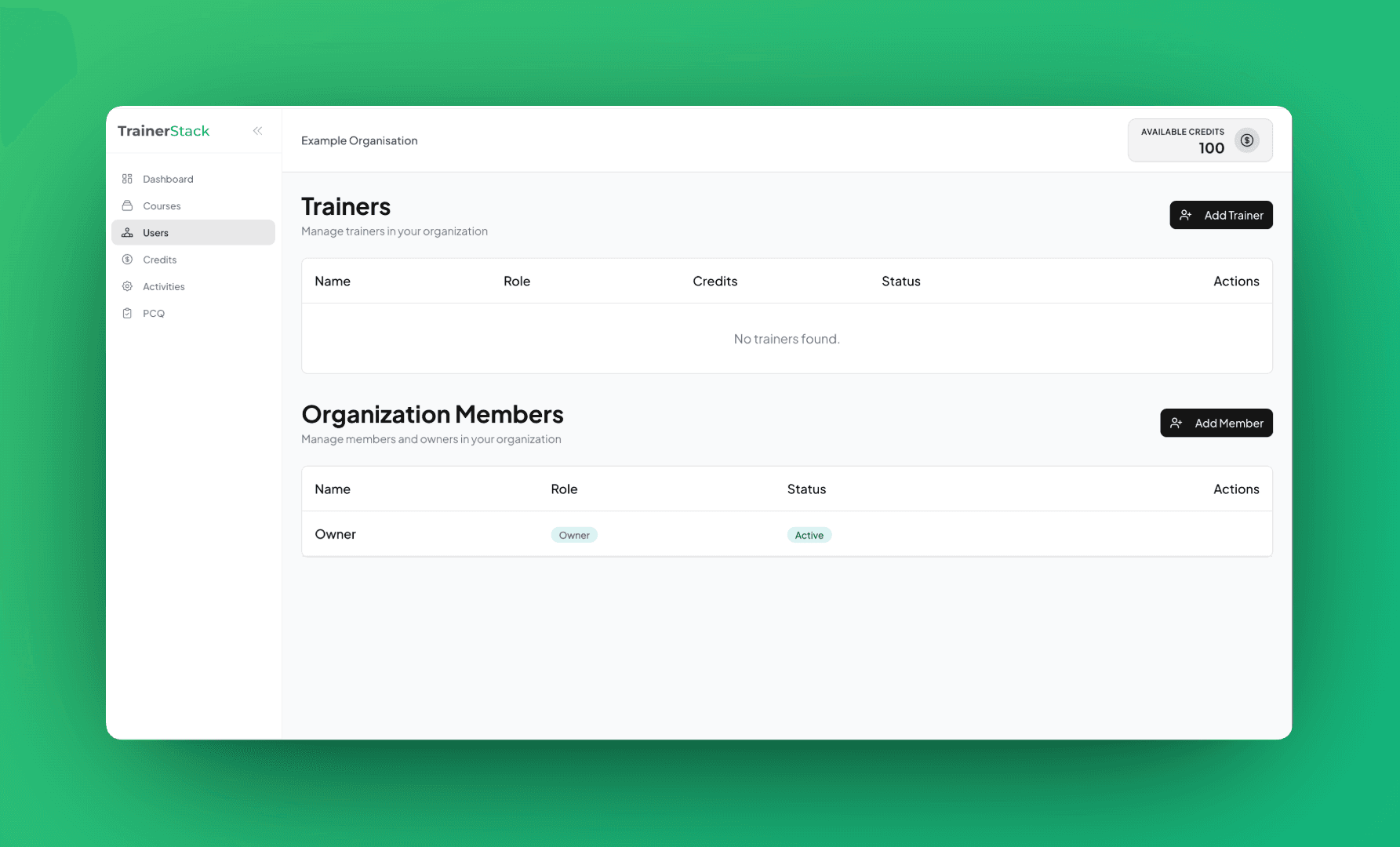
Inviting Trainers
To add a new trainer to your organization:
Click "Invite Trainer" Button
Located at the top right of the Users page
Enter Trainer Details
Fill in their email and full name
Send Invitation
They'll receive an email with login credentials
Note: The trainer will be added to your organization and can immediately start creating courses using credits you allocate.
Resetting Passwords
If a trainer forgets their password, you can reset it for them:
1. Find the Trainer
Locate them in your Users list
2. Click "Reset Password"
In the Actions column, click the reset button
3. Set New Password
Enter a temporary password for the trainer
4. Share Credentials
Give the trainer their new password securely
User Roles
Full access to organization settings, credits, team management, and templates. Can invite/remove trainers and allocate credits.
Can view dashboard and courses. Limited management capabilities. Uses shared organization credits.
Can create and run training courses. Uses credits allocated by org owner. Can use org templates for activities and PCQs.
💡 Tips
- •Email Access: Make sure trainers use an email they can access for password recovery.
- •Credit Allocation: After inviting trainers, allocate credits in the Credits page.
- •Templates: Create org templates so trainers can quickly add activities and PCQs.